Press kit
TableScribe
TableScribe records your tabletop game and writes it up: a recap your table trusts and a world that updates itself. All of it made on your own Mac or PC.
Screenshots, icons, the logo and the facts, in one zip (4.6 MB). Everything here may be used in coverage of TableScribe.
The film
1 minute 27 seconds. Download the film (MP4, 1080p, 6 MB).
Screenshots
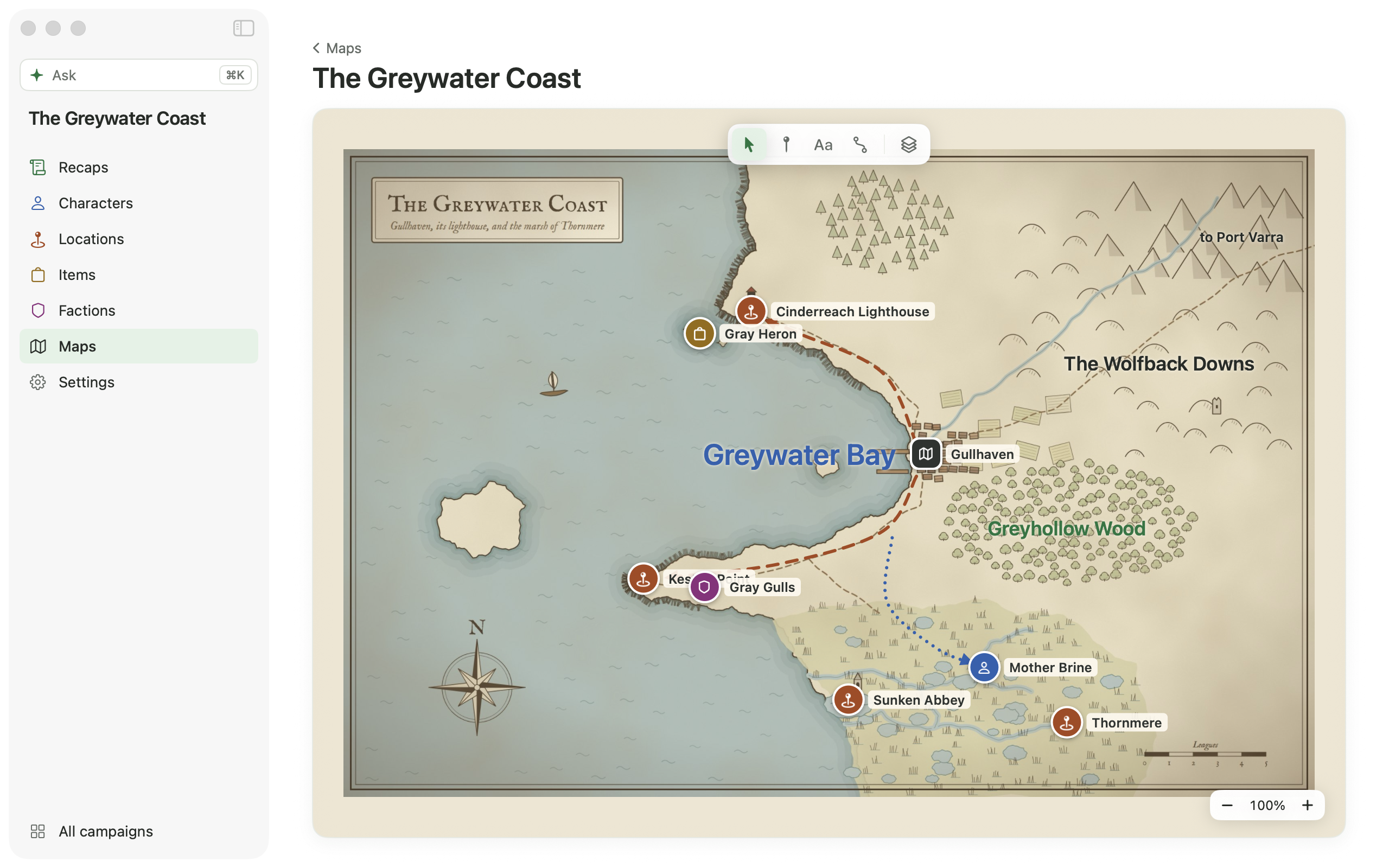
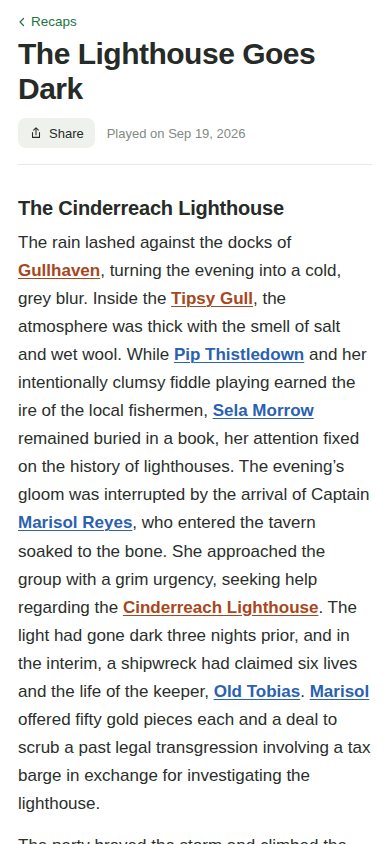
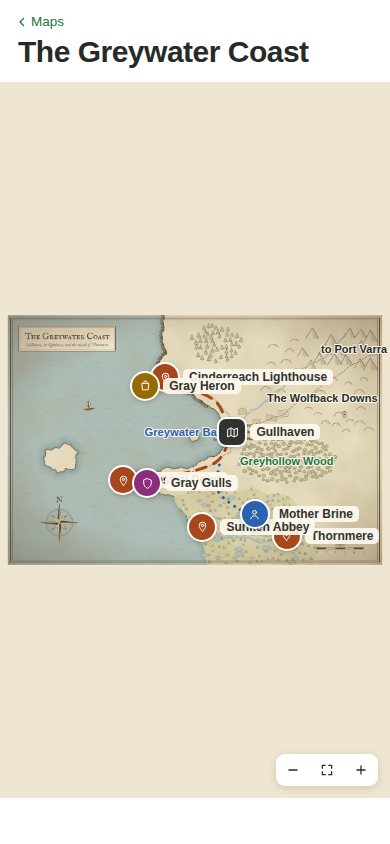
One package: the Mac app (and Windows), the free iPhone recorder, and the players’ wiki. The campaign is the sample, The Greywater Coast. Click one for full size.
The Mac app
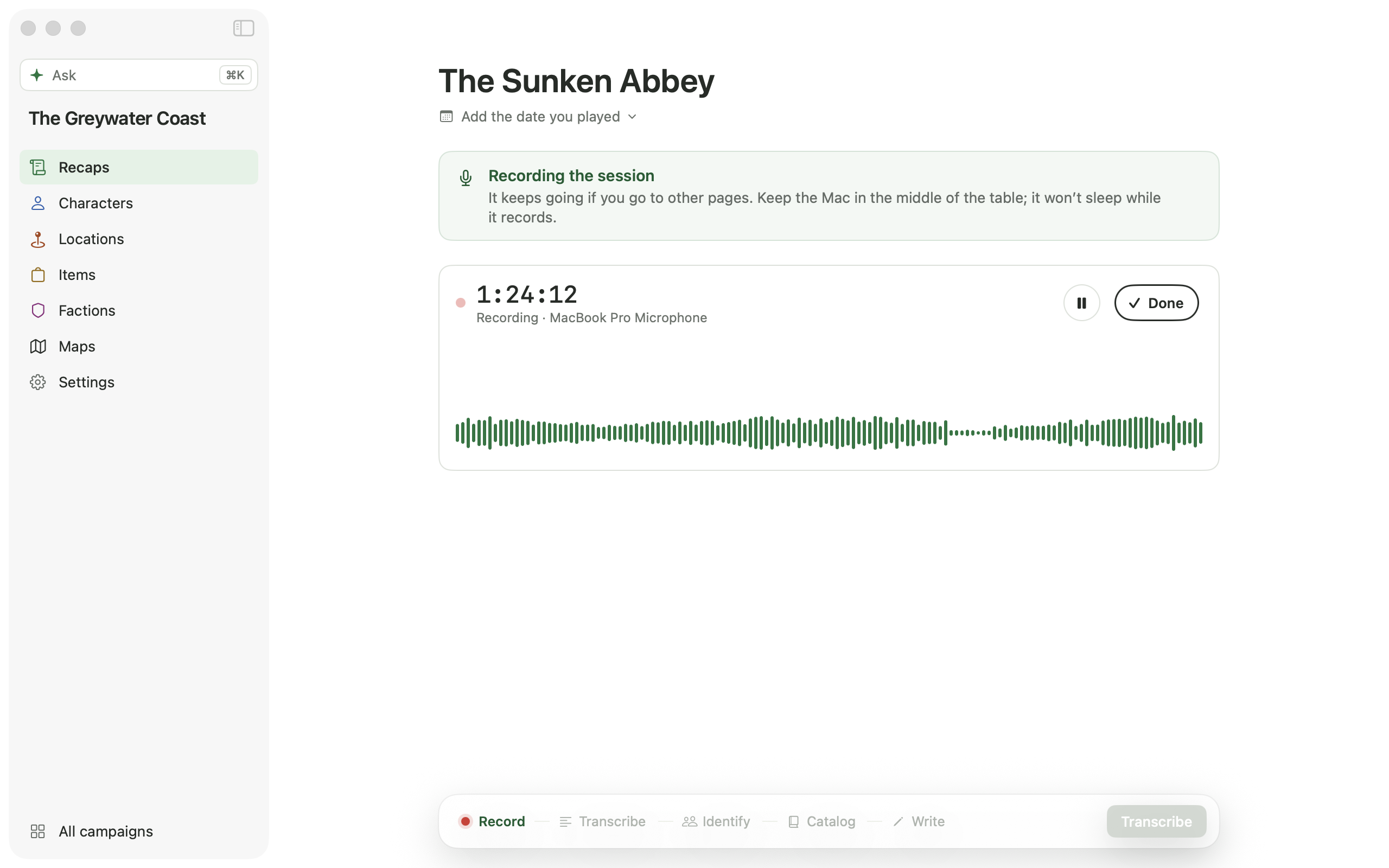
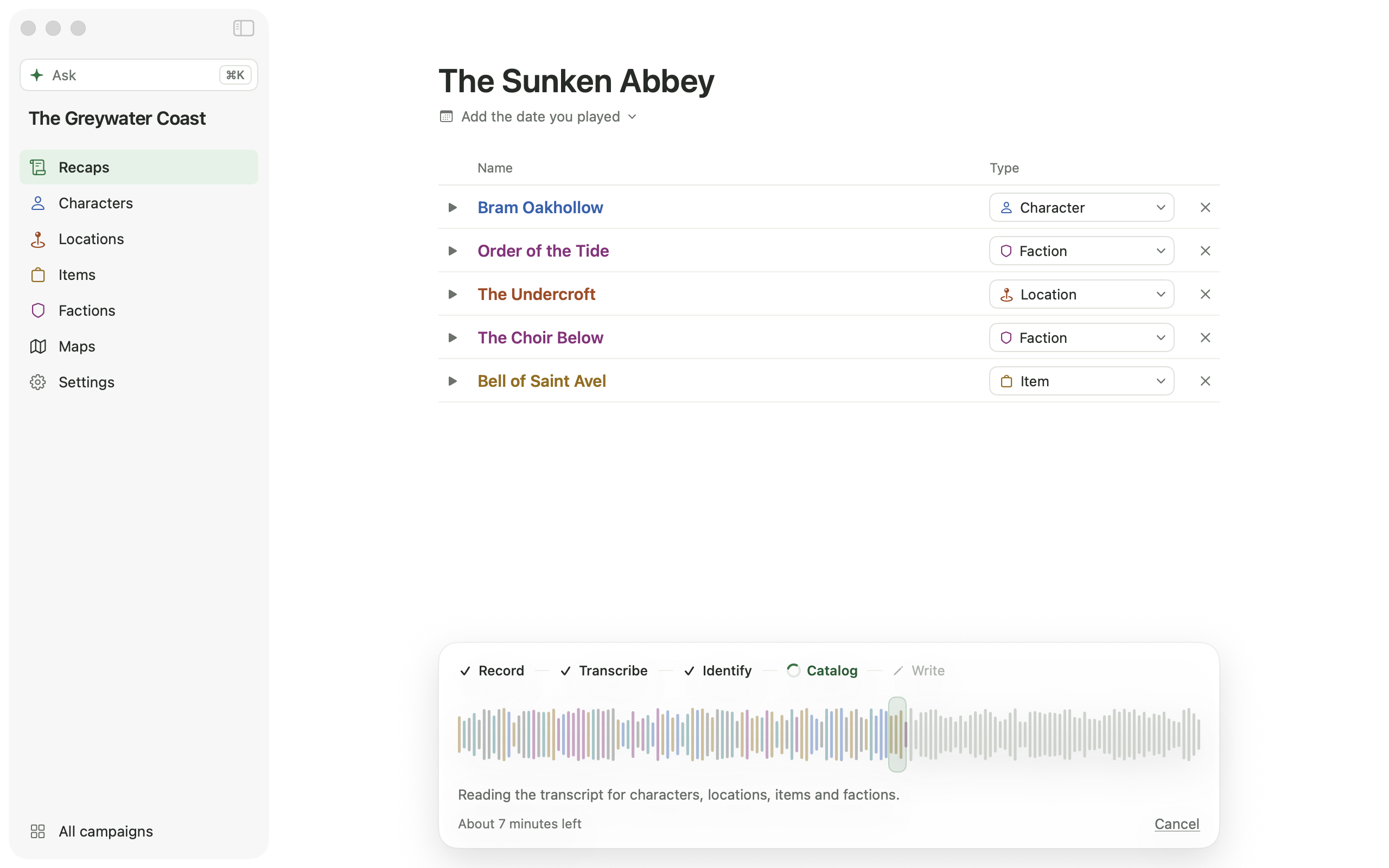
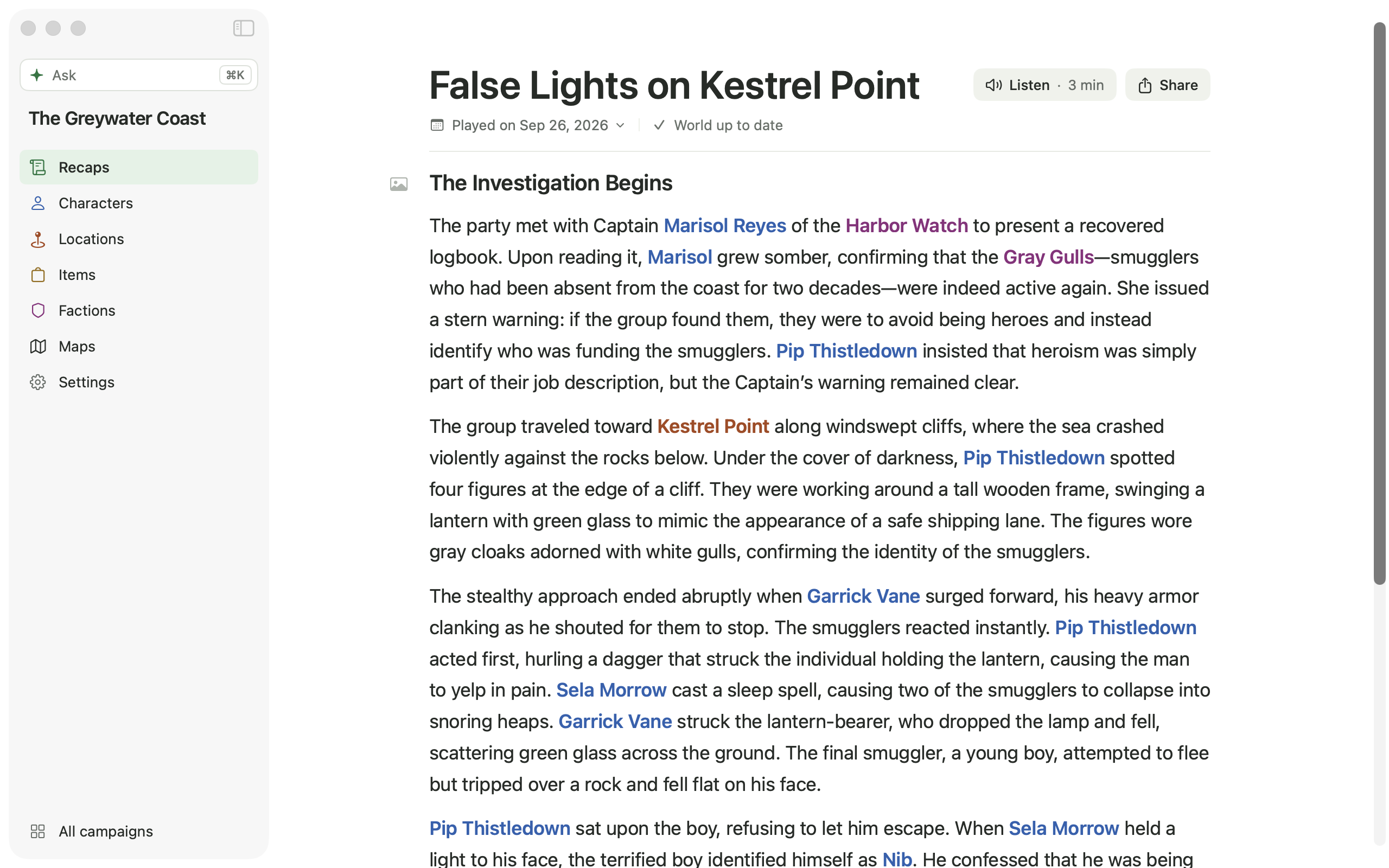
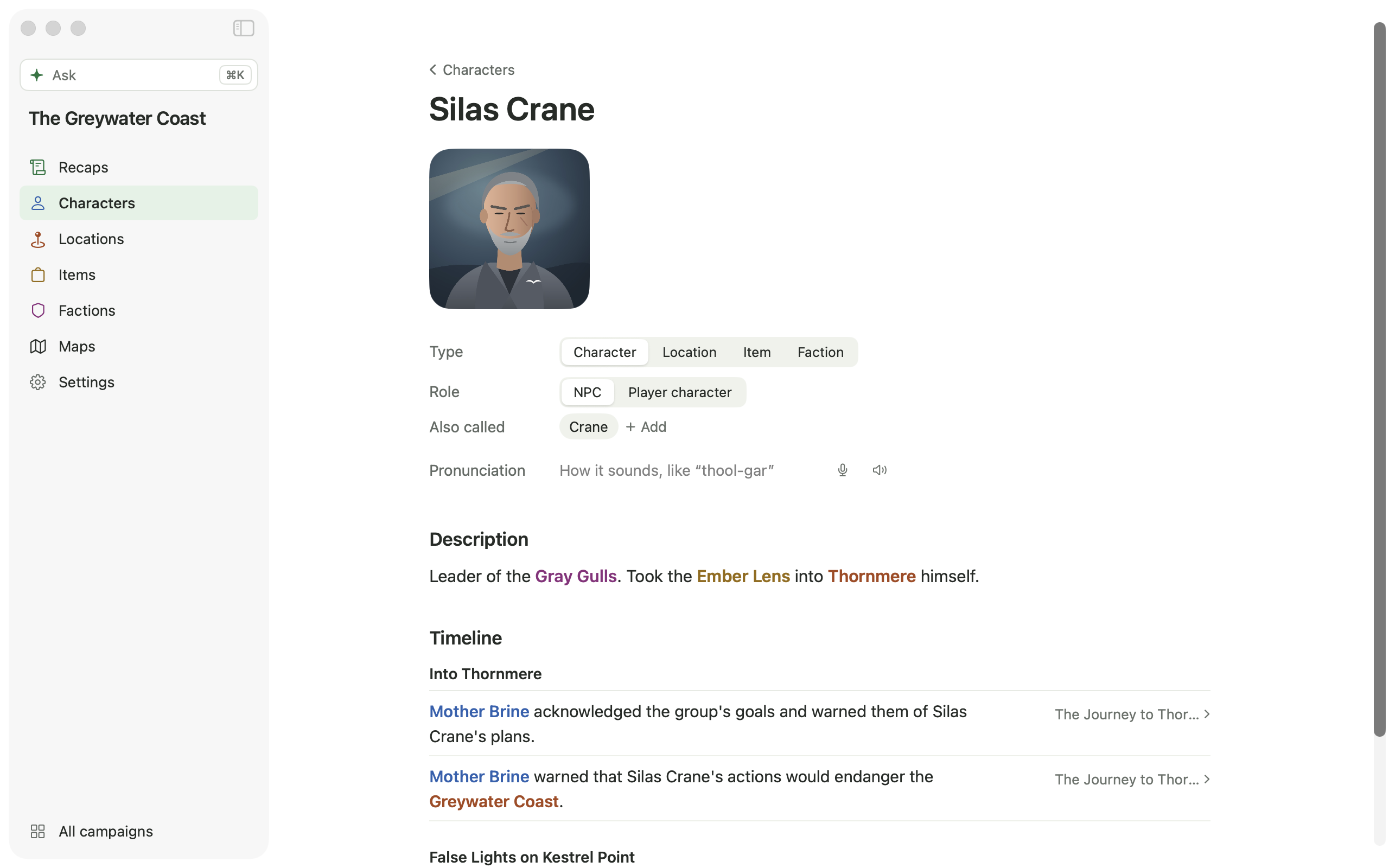
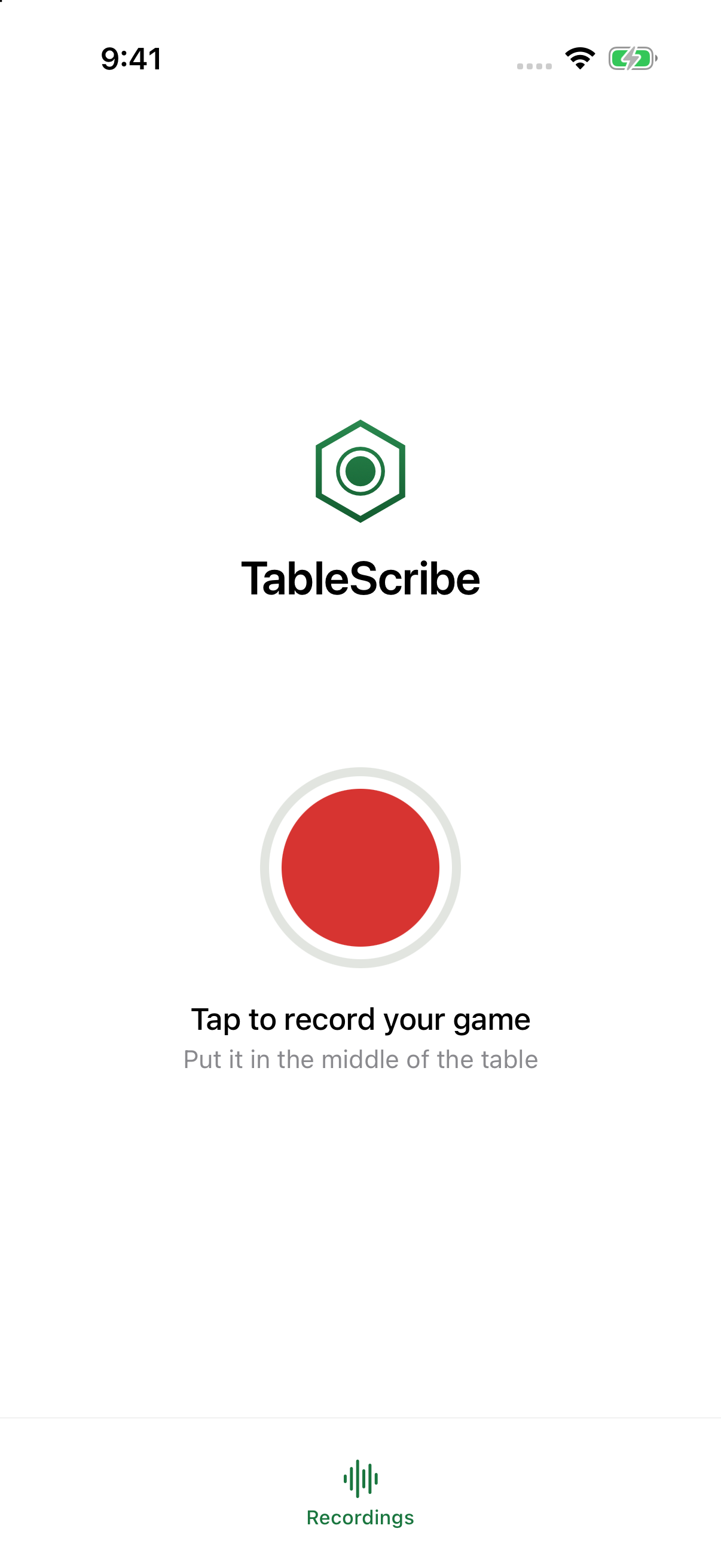
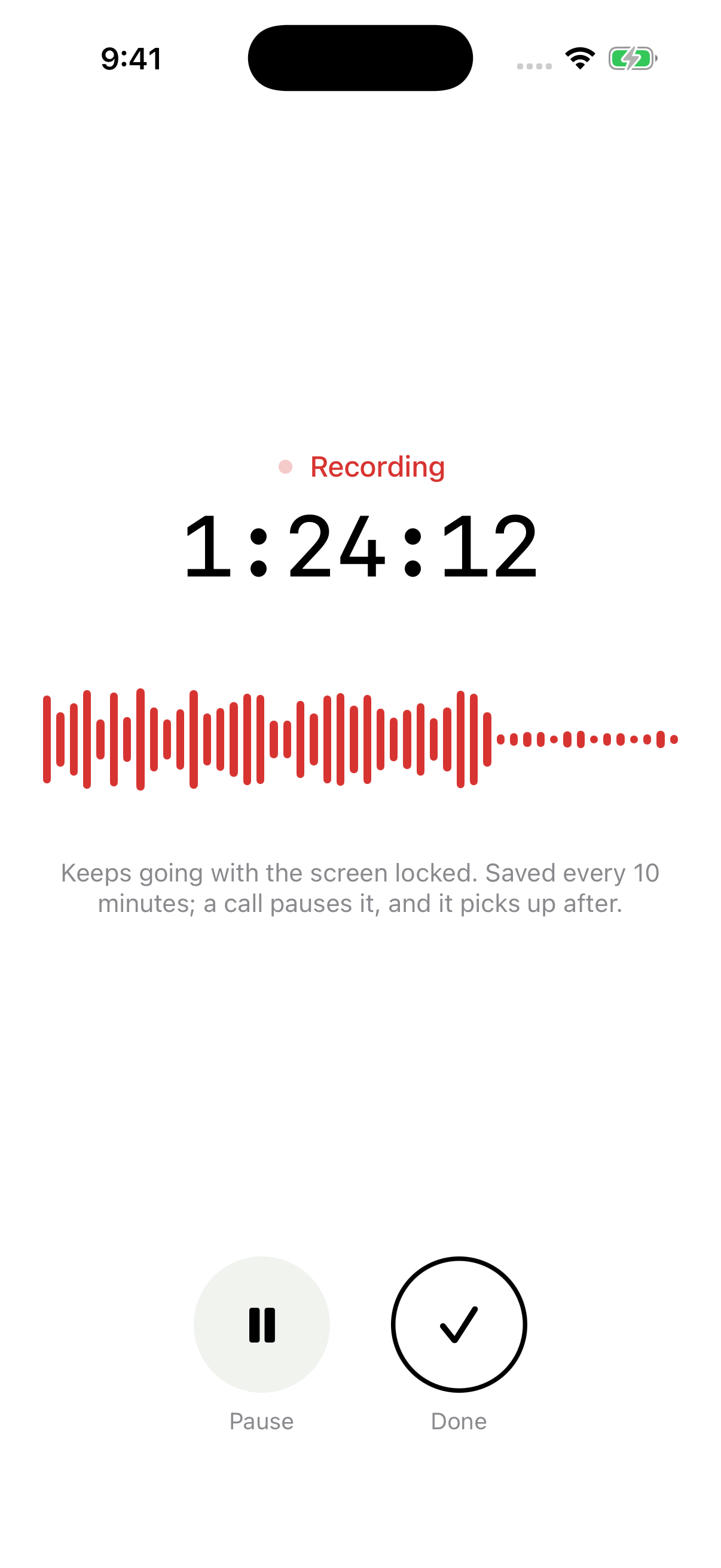
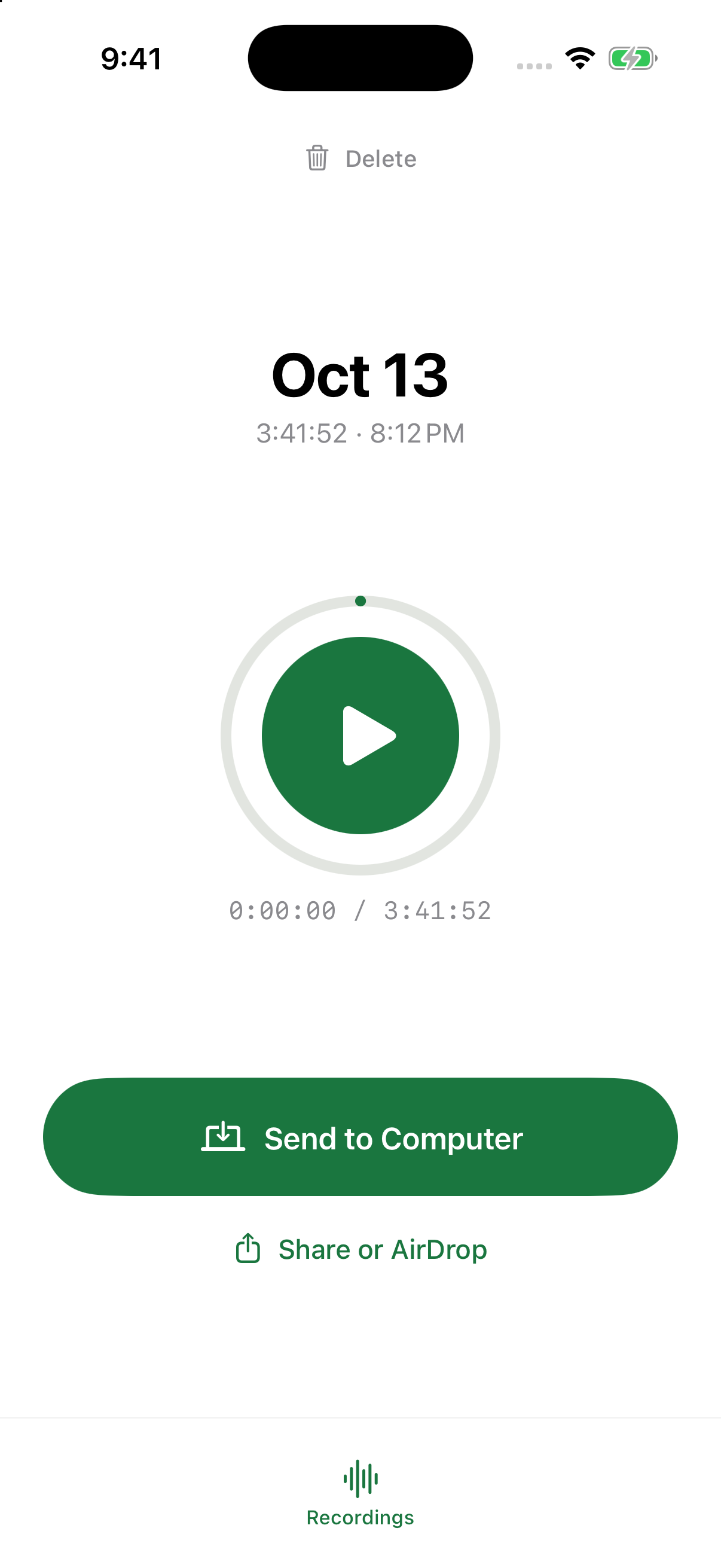
TableScribe Recorder, free for iPhone and iPad (coming soon to the App Store)
The players’ wiki
The facts
- Price
- The first recap is free; then $49 once. That includes a year of new features and fixes. After it, the app keeps working as it is, or renew for $29 for another year. Money back within 30 days.
- Players’ wiki
- Optional: $9 a year for all of a GM’s campaigns.
- Runs on
- Macs with Apple silicon (M1 or later) on macOS 26, with 16 GB of memory or more recommended. Windows 11 (64-bit) PCs with a graphics card with 16 GB of memory.
- Records with
- The app on the computer, the free TableScribe Recorder for iPhone and iPad, Discord (Craig recordings), or any audio file.
- Games
- D&D, Pathfinder, Daggerheart, Call of Cthulhu, Cyberpunk RED, Vampire: The Masquerade and homebrew.
- Private
- Recordings, transcripts and recaps stay on the computer unless the GM publishes the players’ wiki. No account, no ads, no tracking in the app.
- Language
- English, for now.
In a paragraph
TableScribe is for game masters. Record the session at the table, on an iPhone, or on Discord, and TableScribe writes the recap: a story of what happened, with every person, place and item kept in a world that updates itself after each game. Players read it as a PDF, as text pasted anywhere, or on a campaign wiki. It all runs on the GM’s own computer, so the table’s audio never goes to a server.
Who makes it
Matt Bertino is a DM. He built TableScribe so his table would stop losing what happened. TableScribe is made by Odd Quest Studio, in South Carolina.
Get in touch
Write to help@thetablescribe.com for a free review copy or an interview.

The icons and the mark (green and white, SVG) are in the press kit.